Buy the materials
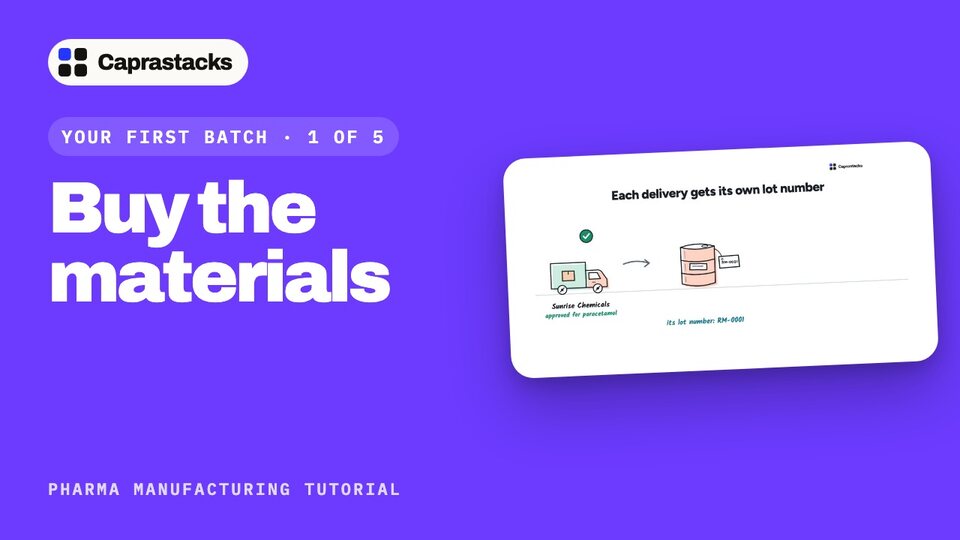
Buy everything your first batch needs. Every delivery gets its own lot number, and waits for the lab.
In 3 points
- 1 Order from an approved supplier.
- 2 Turn the delivery into a bill, with lot numbers.
- 3 Every lot waits in quarantine.
Chapters
Press one to jump thereRead the words
What your batch needs (0:00) In this video, we'll buy everything your first batch needs. One batch of 200,000 tablets takes 100 kilograms of paracetamol, four helper powders, and the packing. You buy each material only from a supplier you approved for it. Every delivery gets its own lot number. And it waits in quarantine, untouched, until the lab says it's good.
A purchase order (0:26) Open Purchase, then Purchase orders, and press New order. Pick the supplier: Sunrise Chemicals. Under Deliver to, pick your store. Search for the first product, paracetamol. Type how much you need, 125 kilograms, and the price per kilogram. Press Add line for each helper powder. An order is only your request. It doesn't change your stock or your accounts.
Approve and send it (0:55) Press Save order, then open it, and press Submit for approval. The person who approves buying checks it, and presses Approve. You can download the order as a PDF, and send it to the supplier.
The delivery: lot numbers (1:09) When the delivery arrives, open the order, and press Convert to bill. The bill copies every line from the order. Now, for each line, fill in Batch and expiry. Batch or lot number is your own number for this delivery, like RM-0001. Then the manufacturing date and the expiry date, from the label. Supplier's lot number is the number on the supplier's drum. And the retest date. The app lets you leave these empty, but in a medicine factory, never do. Without a lot number, you can't trace a box back to its powder.
Record the bill, then the packing (1:50) The due date comes from the supplier's payment terms. Press Record bill. Now the stock is in your store, and you owe the supplier. Buy the packing the same way, from Star Packaging: film, foil, cartons, leaflets and shipper cartons.
Lots in quarantine (2:08) Then open Inventory, then Lots. Every delivery is now a lot, marked Quarantine: waiting for a decision. Open one to see where it came from, when it expires, and the tests it must pass. In Manufacturing, the factory map shows them too: Arrive, ten lots, waiting for the lab to take a sample.
Suppliers you have not approved (2:33) One more thing: if you order a material from a supplier who isn't approved for it, the app warns you. Under strict rules, it won't save the order. In the next video, the lab tests your deliveries.