Sell it
Sell the boxes, take a return, and follow one box all the way back to its powders: what you need on the day of a recall.
In 3 points
- 1 Sell boxes from the right lot.
- 2 Take a return, write off damaged boxes, and take the payment.
- 3 Trace one box back to its powders, and make a recall list.
Chapters
Press one to jump thereRead the words
What we'll do (0:00) In this last video of the series, we sell the boxes from lot B-0002. A customer sends two boxes back, and then pays us. At the end, we follow one box all the way back to the powders it was made from. That is what you need on the day of a recall.
Sell the boxes (0:20) Open Sales, then Sales invoices, and press New invoice. Pick the customer: Al-Shifa Distributors. Add the item: Paracetamol 500 mg tablets. Type the quantity, 1,000 boxes, and the price, 220 rupees a box. The total shows on the right: 220,000 rupees.
Pick the lot, or Auto (0:45) Under the item is a small button: Batch. It is set to Auto, which sells the oldest stock first. Open it to see each lot, how many boxes it holds, and when it expires. You can pick a lot yourself, or leave it on Auto. If a lot is not released yet, the app asks for a reason, or refuses, depending on your rules.
The invoice shows the lot (1:09) Press Record sale, and open the invoice. Under the item, it prints the lot number and the expiry date. So the customer knows exactly which lot they have. The boxes come off the stock of lot B-0002 straight away. I sold 600 more boxes to City Pharma Distributors the same way.
A customer sends two back (1:30) Later, a pharmacy finds broken tablets in one strip. Al-Shifa sends two boxes back. Open the invoice, and press Credit note. Choose the lot they are coming back into: B-0002. Type the quantity, 2, and add a note. Press Save credit note. Al-Shifa now owes 440 rupees less.
Write off damaged boxes (1:56) Those two boxes cannot be sold again, so we write them off. Open Inventory, then Stock adjustments, and press New adjustment. Pick the product, and the app picks the lot: B-0002. Type 2, and choose the reason: Damaged. On the right is the loss, at what the boxes really cost to make: 333 rupees. Press Post adjustment.
Settle the credit note (2:25) Now the money. Al-Shifa owes 219,560 rupees. But the credit note is not matched to the invoice yet. Open Accounting, then Reports, then Aged receivables, and open Al-Shifa. The credit note sits under Not on a bill. Press Settle, and it takes 440 rupees off the invoice. No money moves.
The customer pays (2:50) Then Al-Shifa pays by bank transfer. Open Payments, and press New payment. Choose Money received. From Al-Shifa, into Bank. Type the amount: 219,560. The app applies it to the invoice by itself, with nothing left over. Press Record payment. On the invoice, their balance is now zero.
Trace a lot (3:16) Now the most important part: tracing. Open Inventory, then Lots, and open B-0002. At the top, you see who tested it, and who released it. Below is a map: where it came from, and where it went. 1,940 boxes were made. 1,598 went to customers, 9 were written off, and 333 are still on the shelf. Every box is accounted for.
Who has it (3:49) Tap Customers to see who has it. Al-Shifa has 998 boxes, after sending 2 back. City Pharma has 600. Tap Written off: the lab samples, and the two damaged boxes. Tap Ingredients: the bulk tablets, lot B-0001.
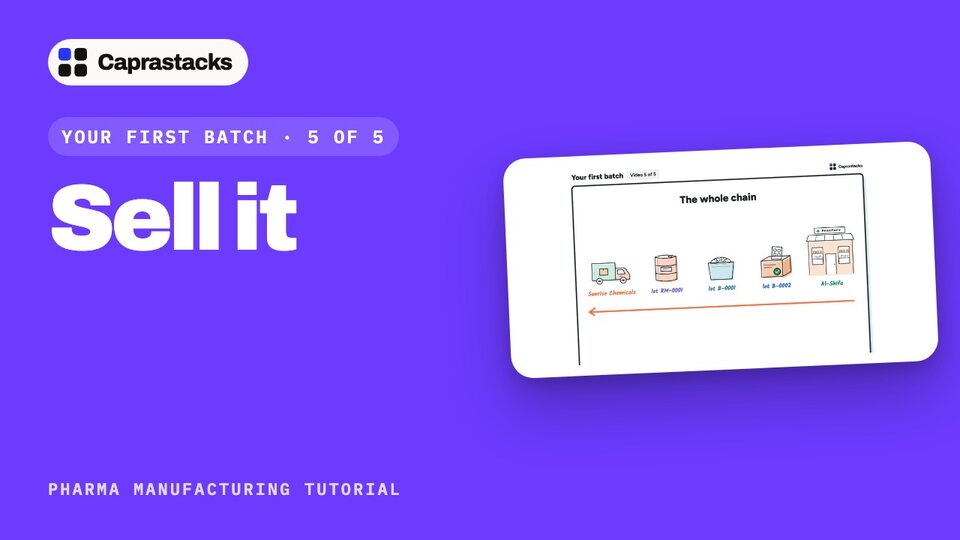
Back to the powders (4:11) Open B-0001, and its map shows the five powders that went into it. Open the paracetamol, lot RM-0001. It came from Sunrise Chemicals, on bill PUR-0001, with the supplier's own lot number. That is the whole chain: from a box at a pharmacy, back to the company that sold us the powder.
The recall list (4:38) If something is ever wrong with a lot, you need one list, fast. On the lot page, press Start a recall list. Or open Manufacturing, then Reports, then Recall report, and type the lot number. It shows who has it, with their phone numbers, what is still on hand, and everything that went into it. Press CSV to download it, and start calling.
The end of Your first batch (5:04) That is the end of Your first batch. We bought the materials, tested them, made the tablets, released them, and sold them. And every box can be traced, from the customer back to the supplier. Next, we look at what to do when something goes wrong.