Workers, machines and costs
Add your workers, machines and costs, so every batch shows what it really cost.
In 3 points
- 1 Add worker types and machines.
- 2 Add the usual cost heads.
- 3 Give each one a rate for an hour.
Chapters
Press one to jump thereRead the words
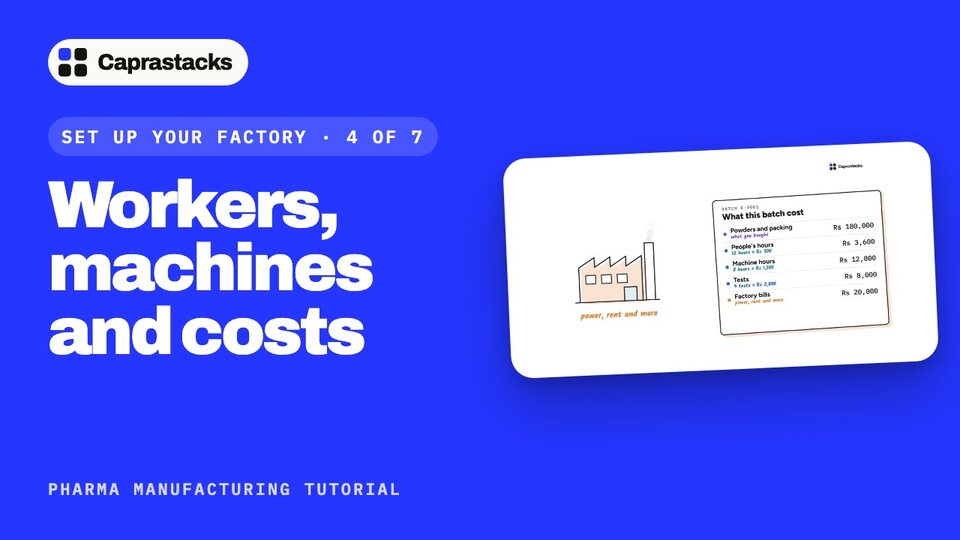
What a batch really costs (0:00) In this video, we'll add your workers, machines and costs. A batch costs more than its powders and packing. People work on it for hours. Machines run for hours. Every batch is tested, and it shares the factory's bills, like power and rent. Caprastacks adds all of this to each batch, so you know what it really costs.
Add a labour grade (0:24) Open Manufacturing, then Settings. Your next step is Labour and machines, so press Open Labour and machines. First, a labour grade: a kind of worker, like Operator or Packer. Press Add a labour grade. Type Operator, and press Add labour grade.
Add a machine (0:45) Now a machine. Press Add a machine, and type its name, like Tablet press TP-2. Add the room it stands in. Calibration due is the day it must next be checked. Once that date passes, the app warns anyone who uses it. Press Add machine. Add the rest the same way: your packers, the blender and the blister machine.
Cost heads (1:11) Each one needs a rate: what one hour of it costs you. Press Open Costs and rates. A cost head is one kind of charge on a batch. Press Add the usual heads. Now you have five. Direct labour: your workers' hours. Machine time: your machines' hours. QC testing: each test. Factory overhead: one amount for every batch. And Contract services: an outside firm's bill.
Give each one a rate (1:43) Now give each one a rate. Press Give Direct labour a rate. Pick Operator, type what one hour costs you, like 300 rupees, and press Add rate. Then Machine time: pick the tablet press, and type its cost for one hour.
When a cost goes up (2:00) A rate is never changed. When a cost goes up, add a new rate from a later date, so old batches keep the cost they had. Give every worker, machine and cost a rate the same way. Now steps three and four are done. In the next video, we'll choose who signs what.