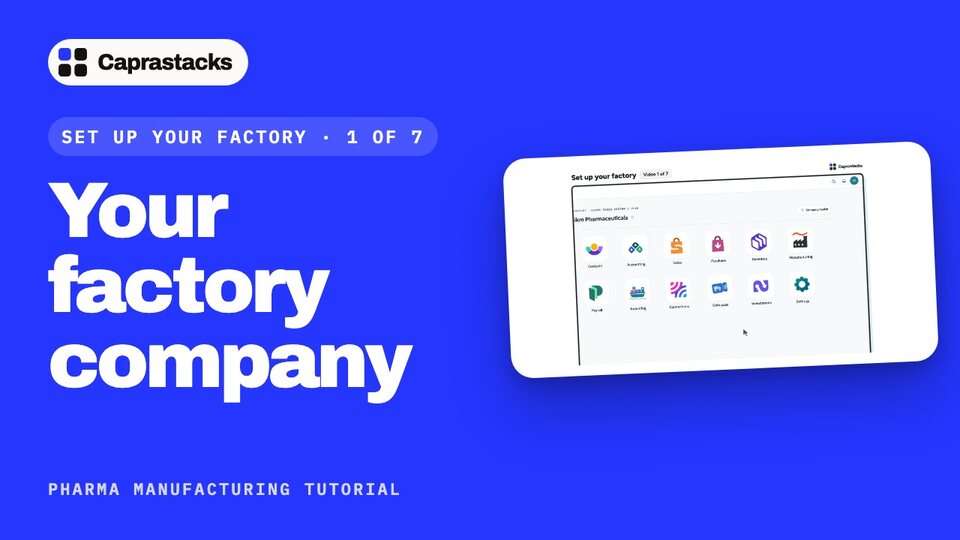
Your factory company
Get your company ready to make medicine: switch on Manufacturing and choose how strict the rules are.
In 3 points
- 1 Switch on Manufacturing for a medicine factory.
- 2 Choose how strict the rules are. Start with Flexible.
- 3 Check that lot control is on.
Chapters
Press one to jump thereRead the words
What we'll do (0:00) Hi! In this video, we'll get your factory ready to make medicine. It only takes a few clicks. Let's start. First, open your company. You'll see all your apps. Press Manufacturing.
Choose Pharmaceutical factory (0:15) The app asks one question first: how does your company make things? You make medicine, so press Choose Pharmaceutical factory.
Flexible or strict rules (0:25) Next, choose how strict the rules should be. Flexible lets your team keep working. If something is missed, they just write down why. Strict stops the work until every rule is met. Start with Flexible. You can change it any time. Now press Choose Pharmaceutical factory.
Your Production home and the set-up steps (0:45) Done! This is your Production home: your whole factory, on one screen. Every batch you make will show up on this map. Now open Settings. At the top, you'll see Set up your factory: eight steps, in order. The first one is already done.
Lot control (1:03) Lot control is on, so everything you buy waits on hold until it's checked. If it's ever off, here's where to find it. In Settings, open Lot control. Turn on Check lots before they are sold or used. Then press Save changes at the bottom.
What's next, and the rules (1:21) The app always shows you what to do next. Here, it's Products. And if you ever want to change how strict a rule is, open Rules. Every rule can be Off, Warn or Block. That's step one, done. In the next video, we'll add your products.