Suppliers and customers
Add the companies you work with, and approve each supplier for the materials it sells you.
In 3 points
- 1 Add a supplier and a customer.
- 2 Set a credit limit and payment terms.
- 3 Approve a supplier for what it sells you.
Chapters
Press one to jump thereRead the words
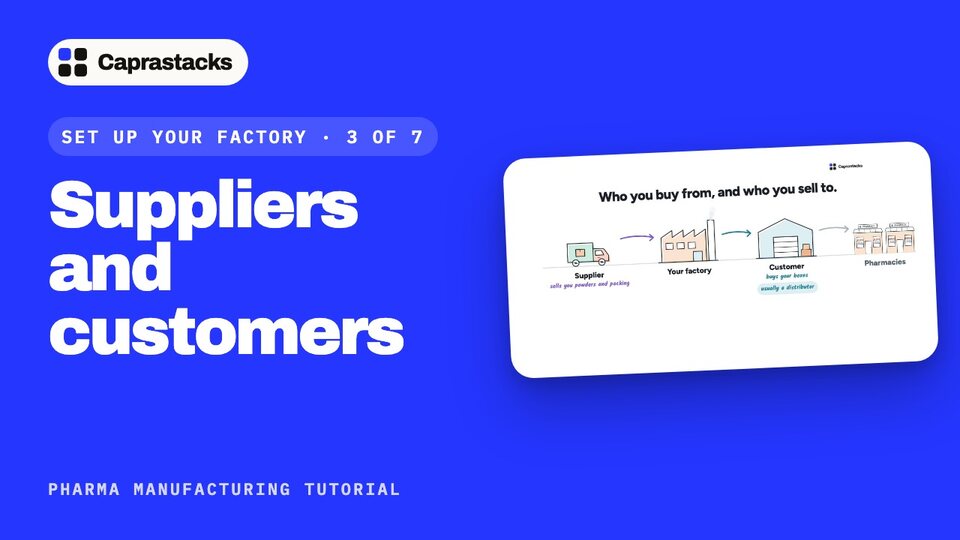
Suppliers and customers (0:00) In this video, we'll add the companies you work with. Suppliers sell you powders and packing. Customers buy your boxes. Usually they're distributors, who then supply the pharmacies. In Caprastacks, each one gets its own account, so the app always knows who owes whom.
Add a supplier (0:20) Open Accounting. In Chart of accounts, press New account. First, a supplier. Choose Party: that's for customers and suppliers. Type their name. They sell to you, so pick Supplier. Now their details. Add the person you talk to, and their phone number. Open Billing address, and add their city and country. Under Tax and registration, add their tax number. Then press Add account.
Add a customer (0:49) Now a customer: a distributor who buys your boxes. Choose Party, type the name, and pick Customer. Add their contact and city, the same way.
Credit limit and payment terms (1:01) Open Trading terms. Credit limit is the most they can owe you at one time. Net 30 means they pay within 30 days. Press Add account.
Approve a supplier (1:12) One more thing a medicine factory must do: buy each material only from suppliers you've approved. Open Contacts, and open your supplier. Under Qualification, press Add a product. Pick Paracetamol, keep Approved, and press Add. Now this supplier is approved for paracetamol.
Add the rest (1:35) Add all your suppliers and customers the same way. Approve each supplier for the materials it sells you. In Contacts, you can see suppliers and customers on their own. That's step three, done. In the next video, we'll add your workers, machines and costs.