Lab tests
Add the tests your lab runs, and the pass mark for each product you sell.
In 3 points
- 1 Add the tests your lab runs.
- 2 Write a specification: the pass mark for each test.
- 3 Your head of quality approves it.
Chapters
Press one to jump thereRead the words
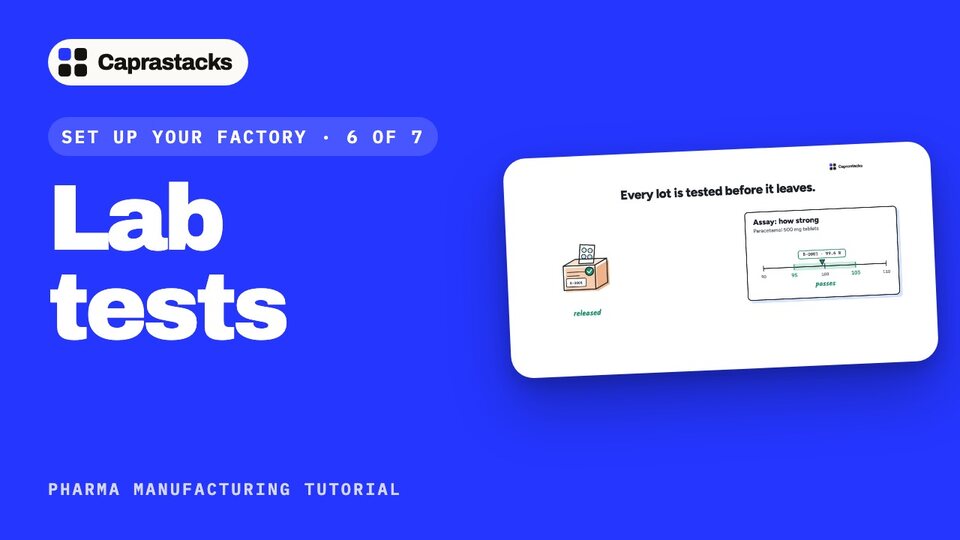
Why the lab tests (0:00) In this video, we'll add your lab tests. Before any medicine leaves your factory, the lab tests it. How strong is it? Does it dissolve in time? Does it look right? Each test has a pass mark. Paracetamol tablets must be between 95 and 105 percent strong. A lot that passes is released. A lot that fails is stopped.
The test library (0:25) Open Manufacturing, then Settings, and press Open Test library. A test is one check your lab runs. Press Add your first test. Type its name, like Assay: how strong the medicine is. Add the method your lab follows, if you have one. Assay gives a number, so keep Number, and type its unit: percent. Press Add.
Words, or pass and fail (0:52) Some tests give words, not numbers. For Appearance, pick Text. Some simply pass or fail. For Identification, pick Pass or fail. Add each test your lab runs, once. Here are four: Assay, Dissolution, Appearance and Identification.
Specifications (1:14) Now the pass mark for each product. This is called a specification. Press Open Specifications, then Start your first specification. Pick the product you sell: Paracetamol 500 mg tablets. Press Start draft.
A test with limits (1:31) Press Add test, and pick Assay. Type what the certificate prints. Then the lowest and highest that pass: 95 and 105. A result outside them fails. Press Add test.
The other tests (1:47) Add the other tests the same way. Appearance and Identification have no limits, just the words that count as a pass. Dissolution has only a lowest: at least 80 percent.
Before release, and stability (2:00) Before release means a lot waits until it passes. Stability tests are checked over time, and a lot doesn't wait for them. Under Edit details, write how the samples are taken.
Approve it (2:13) Last, approve it. The person who wrote it should not approve it. So your head of quality opens it, and presses Approve. The app emails them a six-digit code. Typing it is their signature. Now version one is in force. Every lot tested from now on is judged by it.
Change it later (2:33) To change it later, start a new version. Lots already tested keep the version they were judged by. Every product you sell needs a specification. You can add one for the materials you buy too, so every delivery is tested. That's steps six and seven, done. In the next video, we'll write your first recipe.