When you finish, you have
- Set up, then quote, order, ship, claim and match the money.
- Your team and the rules every deal follows.
- Your day at the desk, and how to put mistakes right.
The videos, in order
-
Watched
 2:52
Video 1 of 8
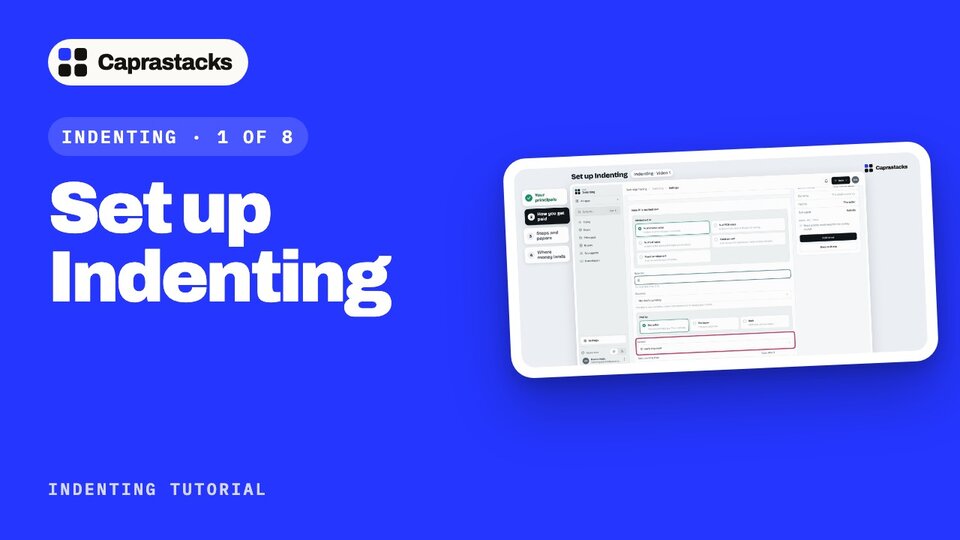
Set up Indenting
Add your principals, the sellers you work for.
Say how you get paid: your commission terms.
Choose the steps and papers of a deal, and the bank account the money lands in.
-
Watched
 2:48
Video 2 of 8
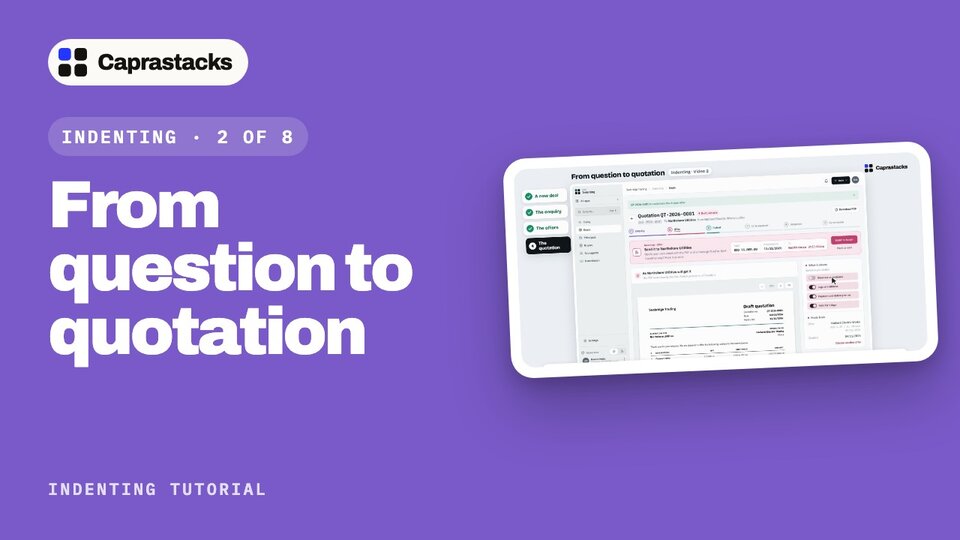
From question to quotation
Start a new deal, and what happens if it looks like one you already have.
Record the enquiry and the offers that come back.
Choose an offer and send the quotation from your own email.
-
Watched
 2:29
Video 3 of 8
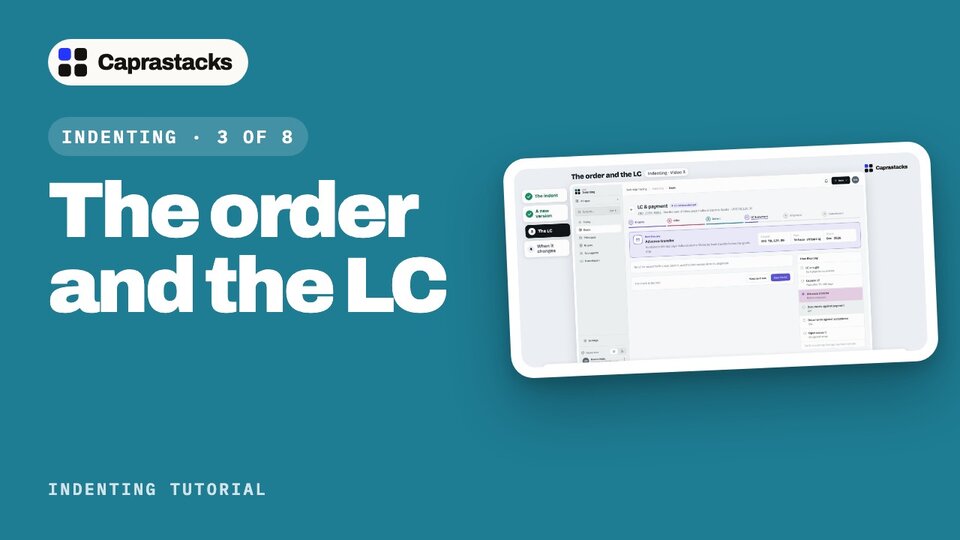
The order and the LC
Write and issue the indent, the order to your principal.
Make a new version of the indent when the order changes.
Record the LC, and record a change to it.
-
Watched
 3:53
Video 4 of 8
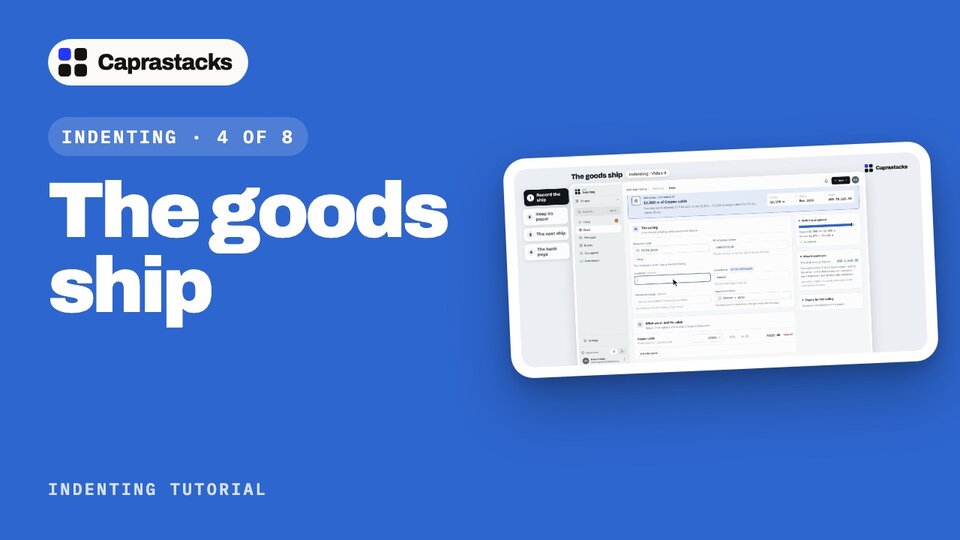
The goods ship
Record each ship; your commission is worked out on what really shipped.
Keep the bill of lading with its deal.
A second ship that carries more than the indent allows, and why the app asks for a reason.
-
Watched
 3:20
Video 5 of 8
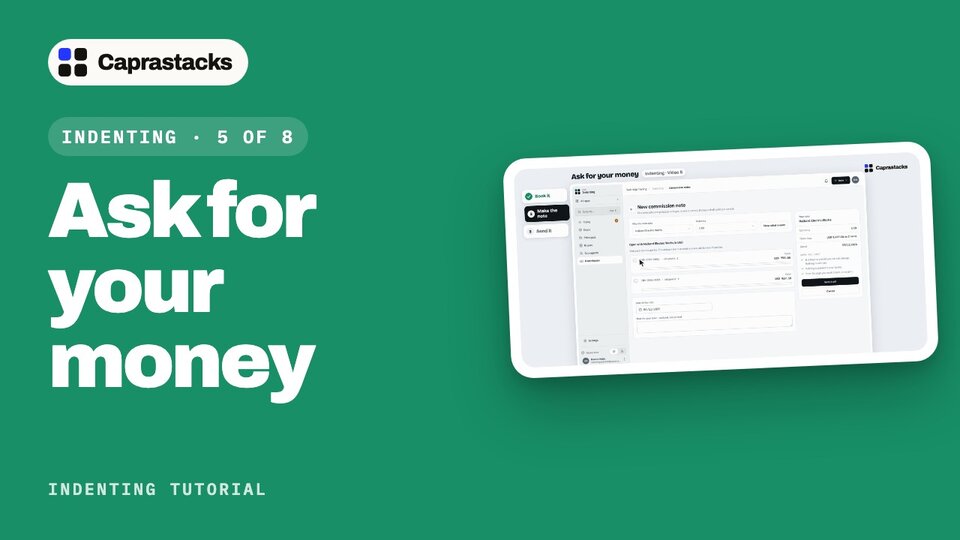
Ask for your money
Book each shipment's commission, at its rate.
Make a commission note: what they owe you, and where to pay it.
Send it from your own email, and mark it as sent.
-
Watched
 3:26
Video 6 of 8
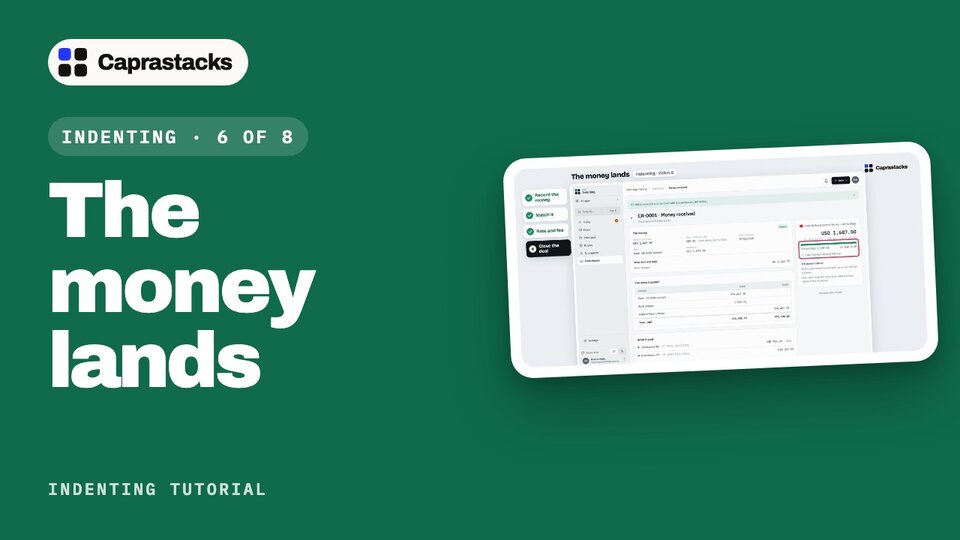
The money lands
Record money received, copied from the bank advice.
Match one payment to two commissions.
The bank's rate, its charges, and the exchange gain the app works out.
-
Watched
 4:36
Video 7 of 8
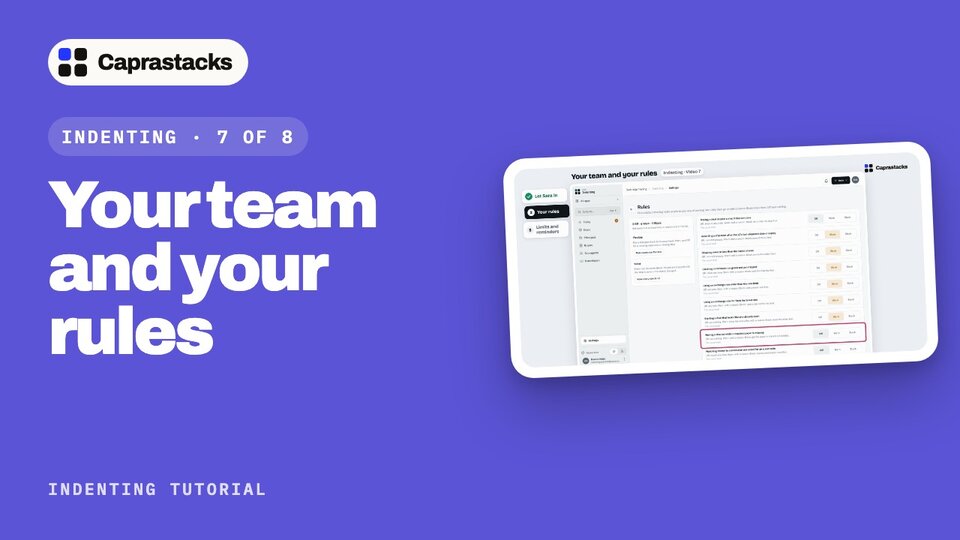
Your team and your rules
Add a staff member who opens only Indenting.
Rules at Off, Warn or Block, and the Flexible and Strict shortcuts.
Exchange-rate limits, reminders, and the rest of Indenting's settings.
-
Watched
 3:38
Video 8 of 8
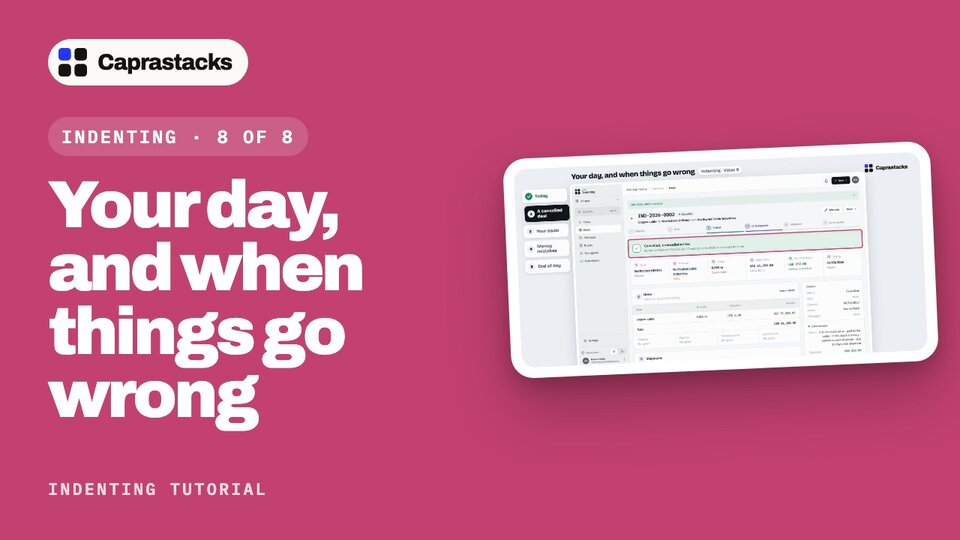
Your day, and when things go wrong
Today: what needs you, this week, and commission this month.
Cancel a deal with a fee, and merge a deal typed in twice.
Undo a match, reverse money, and read your reports and profitability.