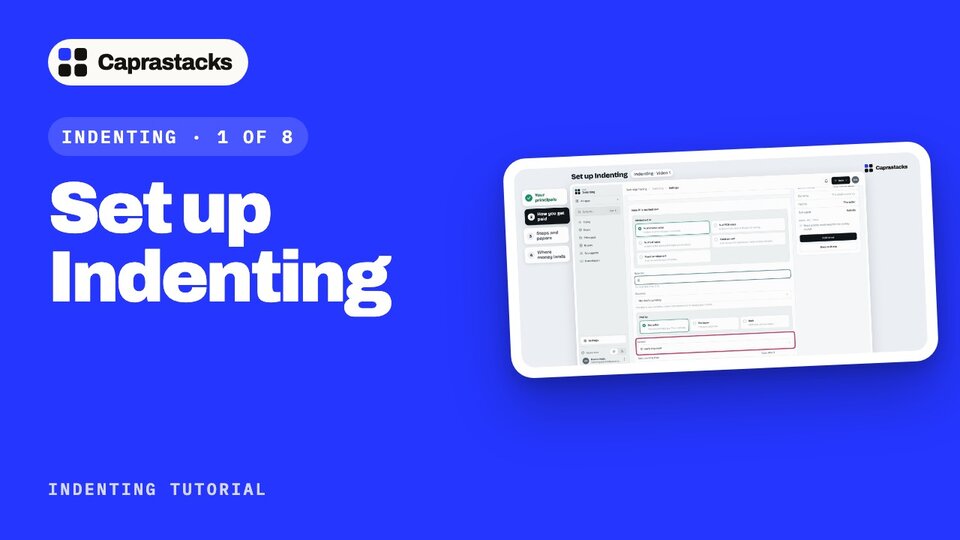
Set up Indenting
Get your desk ready in four quick steps, so no commission slips away.
In 3 points
- 1 Add your principals, the sellers you work for.
- 2 Say how you get paid: your commission terms.
- 3 Choose the steps and papers of a deal, and the bank account the money lands in.
Chapters
Press one to jump thereRead the words
Start on Today (0:00) Last time, a ship carried your money across the sea. Today, we get your desk ready, so nothing slips away. It takes four quick steps. Open Indenting from your apps. The first time, Today shows a short checklist. Four steps, and you can skip any of them. You can even start a deal right away, and fill these in as you go.
Your principals (0:19) First, your principals: the sellers you work for. Click "Add principals". A new one? Type the name, pick the country, and click "Add new contact as principal". Done. It's ticked on Today. If they're already in your Contacts, just pick them from the list. Buyers are added the same way. Click "Buyers" in the menu on the left, then "Add a buyer". Pick them, and click "Add as buyer". Sub-agents too: click "Sub-agents", then "Add a sub-agent". A sub-agent is someone who shares your commission on a deal.
How you get paid (0:50) Next, your commission. Click "Set defaults". This is your company's usual deal. Most agents earn a percentage of the invoice value. You can also pick FOB, CIF, or a fixed amount per unit or per shipment. Type the rate. Two, for two percent. Who pays you? Usually the seller. It can also be the buyer, or both. When is it earned? For most agents, on each shipment. And when is it due? Here, thirty days after the shipment. If a sub-agent shares this commission, pick them here and type their share. Click "Add terms". Every new deal copies these terms, and you can change them on any deal. A principal with different terms? Click "Principals", then its name. On its page, click "Add terms".
Steps and papers (1:32) Now, the steps every deal follows. Click "Review steps". Here are the six steps. Rename one, move it up or down, or hide a step you never use. We'll keep them as they are, and save. Now, the papers each step needs. Open "Papers for each step", and click "Add a paper". Pick the step: Shipment. Type the paper: Bill of lading. Keep it required, for every deal. Now every deal asks for its bill of lading at the shipment step.
Where money lands (1:58) Last step: the bank account your commission arrives in. Commission often comes in dollars, so first, tell the app you use dollars. Click "All apps" at the top of the menu, and open Accounting. At the bottom of its menu, click "Set-up", then "Currencies and rates". Pick US dollars, and click "Add currency". Now back to Indenting: "All apps", then Indenting. On Today, click "Add account". It opens in a new tab. Keep "Asset", and give the account a name. Switch on "Holds cash / bank money", and pick the currency: US dollars. Add your bank details. They print on your commission notes, so the seller knows where to pay. Click "Add account". Not ready for one? Click "Skip". You can still do it at any time. Back in Indenting, open Today. That's all four: your desk is ready. Next time, a buyer sends a question, and your first deal begins.