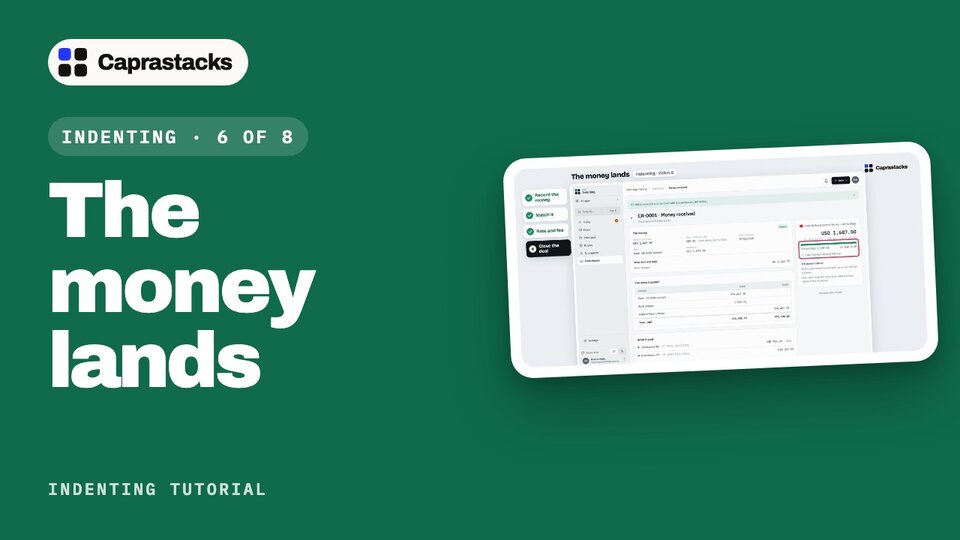
The money lands
Your principal paid, and the bank kept a small fee. Record the money from the bank advice, match it to your commission, add the rate and the fee, and close the deal.
In 3 points
- 1 Record money received, copied from the bank advice.
- 2 Match one payment to two commissions.
- 3 The bank's rate, its charges, and the exchange gain the app works out.
Chapters
Press one to jump thereRead the words
The bank advice (0:00) Halberd got your commission note, and paid it. They sent one thousand six hundred and eighty-seven dollars fifty. On the way, your bank kept a small fee: twelve dollars fifty. So one thousand six hundred and seventy-five dollars reached your account. Your bank sends you a paper about it, called a bank advice. It shows the amount, the fee, and the rate the bank used. In the app, that's four steps: record the money, match it to your commission, add the rate and the fee, and close the deal.
Record the money (0:30) Click "Deals" in the menu, then the deal. The box at the top says: record the money when one thousand six hundred and eighty-seven dollars fifty arrives. Click "Record money received". This page records one payment. Keep the bank advice next to you, and copy from it. What the deal already knows is filled in. These little tags show where it came from. Who sent it? Halberd, from the deal. How much did they send, before tax and charges? One thousand six hundred and eighty-seven dollars fifty, still open on the deal. That matches the advice. Which day did it reach the bank? The date on the bank advice. Here, that's today. On the right, the app lists what it has, and what is still missing: the bank account. Into which bank account? Click your US dollar account. These accounts come from Accounting. Now the right side writes the entry in plain words.
Match it (1:21) Below: which commissions does it pay? Both shipments are already ticked, because this money is for this deal. Each one is paid in full: "fully received". The bar shows what Halberd sent, what you ticked, and the difference: none. So the money covers both, exactly.
Rate and fee (1:38) Next: the rate, tax and charges. What the bank used, and what it took on the way. Your books are in rupees, so the app needs a rate. It filled in your saved one: two hundred eighty-one. But the bank used its own rate. Type the one on the bank advice: two hundred eighty-three fifty. The rate source stays "Bank advice", so anyone can see where it came from. No tax was taken here, so leave the tax box empty. Bank charges: the bank kept twelve dollars fifty. Your account holds dollars, so click "In USD". Then type twelve fifty. Below is the money's journey: what Halberd sent, the bank charges, and the one thousand six hundred and seventy-five dollars that reached your account. Check it against your statement. On the right: the entry in plain words, and the two commissions it pays. All good. Click "Record and match 2".
Close the deal (2:28) The money is recorded, and matched to both commissions. This is its page: what Halberd sent, the rate, and what reached your account. What the bank took is here, as bank charges. On the right: fully matched, nothing left over. Below, the entry it posted in your books, and the two commissions it paid. You booked the commission at two hundred eighty-one. The money came at two hundred eighty-three fifty. So you made a small exchange gain. The app puts it in your books by itself. Now back to the deal. Click "Deals" in the menu, then the deal. Every step is done. The box says: nothing left to do. Click "Close deal". You can add why, if you like. Click "Close deal" again. The deal leaves your open deals. Closed by mistake? Click "Reopen deal" any time. The money landed, your commission is paid, and the deal is closed. That's one deal, from a buyer's question to money in your bank. Next time: your team, and the rules that keep every deal right.