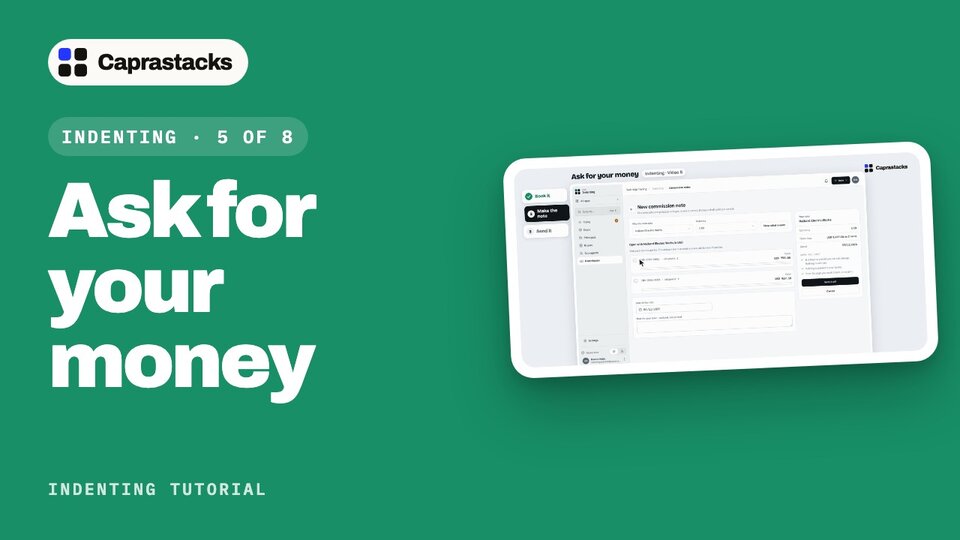
Ask for your money
Nobody pays an agent automatically. Book your commission in your own books, make a commission note, and send it to your principal.
In 3 points
- 1 Book each shipment's commission, at its rate.
- 2 Make a commission note: what they owe you, and where to pay it.
- 3 Send it from your own email, and mark it as sent.
Chapters
Press one to jump thereRead the words
Now it's your turn (0:00) Both ships have sailed, and Halberd has been paid by its bank. Now it's your turn to be paid. Your commission is two percent of what shipped: one thousand six hundred and eighty-seven dollars fifty. But nobody pays an agent automatically. You have to ask. First, you put the commission in your own books, so you know it's owed to you. That's called booking it. Then you send Halberd a commission note: a short letter that says what they owe you, and where to pay it. In the app, that's three things: book it, make the note, and send it.
Book it (0:30) Click "Deals" in the menu, then the deal. The box at the top says: book one thousand six hundred and eighty-seven dollars fifty as earned. Each ship's commission is booked on its own. We start with shipment one. Click "Book it". This page books one item: seven hundred and fifty dollars, for shipment one. "What booking does" explains it in plain words. The commission was earned on the day the ship sailed. Halberd owes it to you from that day. Your books are in rupees, and the commission is in dollars. So the app asks for the rate. There's no dollar rate saved for that day yet, so type it: two hundred and eighty-one. "I typed it" is already chosen, so anyone can see later where the rate came from. On the right, it books two hundred and ten thousand seven hundred and fifty rupees. The entry in plain words: Halberd owes you more, and your commission income goes up by the same. Click "Book USD 750.00". Back on the deal, the box now says nine hundred and thirty-seven dollars fifty is left to book. Click "Book it" again. This ship sailed today, and today's rate is already saved. So the rate is filled in for you. Click "Book USD 937.50".
Make the note (1:43) Both are booked. Now the box says: claim one thousand six hundred and eighty-seven dollars fifty from Halberd. Click "Make commission note". One note asks one principal, in one currency. Halberd and US dollars are already picked. Below are the items still open. Tick both. Each amount starts at what's open. You could ask for less, but we'll ask for all of it. The note is dated today. Nothing is sent yet, and nothing goes into your books. Click "Save draft". This is commission note CN-0001, still a draft. The preview shows exactly what Halberd will get: each shipment, its bill of lading number, its value, and your commission. At the bottom, "Please pay into" shows the bank details you typed in set-up, so Halberd knows where to send the money. On the right, you can switch any of these parts off. It changes every note.
Send it (2:35) Back at the top, click "Send by email". Caprastacks doesn't send it for you. It helps you send it from your own email. First, download the PDF. Then open your email: Gmail, or another email app. Halberd's email isn't saved yet, so type their address. Save it in Contacts, and next time it's filled in. The subject and the message are written for you. Attach the PDF, and send it. Then come back, and click "I sent it, mark as sent". The note now says "Sent, not paid". From today, this money counts as claimed from Halberd. And the deal's next step: record the money when it arrives. Your commission is booked, and Halberd has your note. Next time, the money lands in your bank, and you match it to this note.