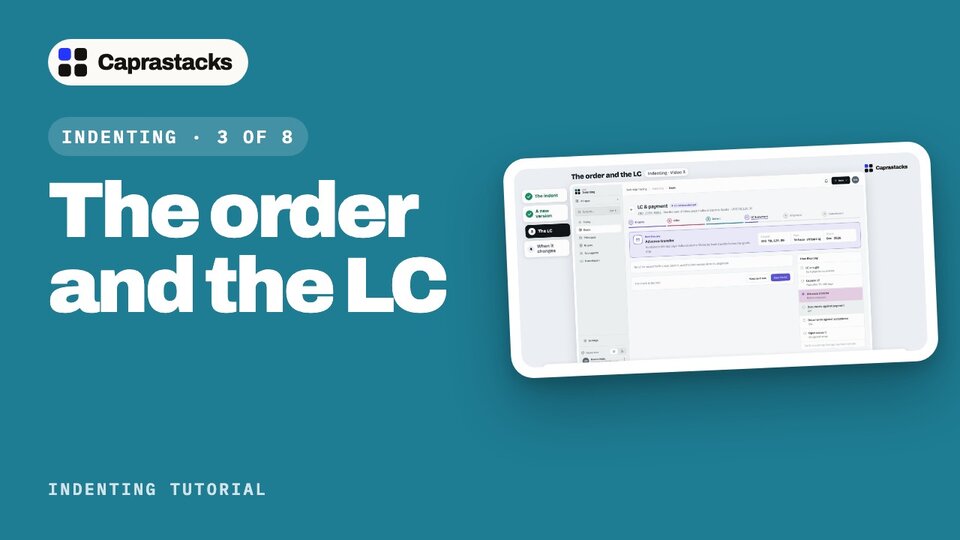
The order and the LC
The buyer says yes. Write the indent, issue it, make a new version when something changes, and record the buyer's LC, the bank's promise to pay.
In 3 points
- 1 Write and issue the indent, the order to your principal.
- 2 Make a new version of the indent when the order changes.
- 3 Record the LC, and record a change to it.
Chapters
Press one to jump thereRead the words
The buyer says yes (0:00) Northshore said yes. Now their order goes to Halberd. That order is the indent. Then Northshore's bank opens an LC: a letter of credit, the bank's promise to pay. Let's do both.
The indent (0:12) Open the deal: click "Deals" in the menu, then its number. The next step says: write the indent. Click "Write indent", and once more on the next page. It's filled in from the chosen offer: copper cable, twelve thousand metres, at six twenty-five. Who pays to ship it, and to where? Pick CFR, and type Karachi. Pick the month it ships, December, and the last day it may ship. Bulk goods rarely ship to the exact amount. Allow five percent more or less. Can it come in parts? Yes. How does the buyer pay? LC at sight. Click "Save v1 draft". Check the draft, then click "Issue indent v1". The app asks first: once issued, it's fixed, and the deal's value is set. Click "Issue v1". To send it to Halberd, click "Open indent", then "Download PDF", and email it yourself.
A new version (1:02) A few days later, Northshore wants twelve thousand five hundred metres. On the indent, click "Revise indent". Version two starts from version one. Change the quantity, and click "Save v2 draft". "Changes in v2" shows what's new. Version one stays as it was issued. Click "Issue indent v2". The deal's value follows the new order.
The LC (1:24) Back on the deal, the next step: open the LC, or agree how the buyer pays. Click "Record LC or payment". Not every deal has an LC. With an advance transfer, there's nothing to record. You just save. Here it's an LC at sight. The amount, the more or less, and the last day to ship come from the indent. Copy the rest from the LC the bank sends: its number, and the bank that opened it. For the expiry, tap the suggestion: fifteen days after the last day. Most LCs run that long. Click "Save the LC". The LC is now open.
When it changes (1:58) Banks change LCs. Say the dates move two weeks later. On the deal, click the "LC & payment" step at the top, then "Record a change". Change the two dates, add a note, and click "Save". Open it again: the change is kept, as "Extended". If an LC runs out with goods still to ship, Today shows it under "LC dates near". The order is placed, and the LC is open. Next time, the goods sail, the papers go to the bank, and the seller is paid.