From question to quotation
A buyer asks for a price. Start the deal, record the enquiry, put your principals' offers side by side, and send the best one as a quotation.
In 3 points
- 1 Start a new deal, and what happens if it looks like one you already have.
- 2 Record the enquiry and the offers that come back.
- 3 Choose an offer and send the quotation from your own email.
Chapters
Press one to jump thereRead the words
A question arrives (0:00) Your desk is ready. And this morning, a question arrives. Northshore Utilities asks: how much for twelve thousand metres of copper cable? Let's turn that question into a quotation.
A new deal (0:11) Every question starts a deal. Click "Deals" in the menu on the left, then "New deal". How does this deal start? With an enquiry: a buyer asked for a price. Pick the principal you'll ask first, and the buyer. Only these two are needed now. We also pick the deal's currency: US dollars. The commission terms fill in from that principal, or from your company default. Click "Create deal". Start the same deal again by mistake, and the app notices. Same principal, same buyer, opened in the last thirty days. If it really is a second order, type why, and go on. If not, open the deal you already have.
The enquiry (0:49) The deal page always shows what's next: get the buyer's enquiry. Click "Record enquiry". Which goods? Copper cable. How much? Twelve thousand metres. Did they hope for a price? Type it here. Every offer is measured against it. Click "Save enquiry".
The offers (1:05) Now ask your principals for prices, and add each offer as it comes. Click "Add offer". It starts from what the buyer asked for, so you only type the price. Larkspur offers six dollars thirty-nine, held for two weeks. Next, Halberd Electric: pick them, and type six twenty-five. Northwind prices it in Chinese yuan. There's no yuan rate yet, so it can't be compared. Click "Add a rate". Currencies and rates opens in a new tab. Click "Add CNY rate", type how many rupees one yuan is, and add it. Back on the deal's tab, reload the page. Northwind's price is now converted and compared. The lowest price is marked. Each offer shows how far it is from the buyer's hope. Prices don't hold forever. One that runs out is marked "Expired". A principal changed their price? Click "Change". Withdrew it? Click "Take off". Halberd's is the lowest. Click "Choose this offer". Halberd isn't this deal's principal yet, so the app asks first. It also says which commission terms the deal takes. Click "Choose and make principal".
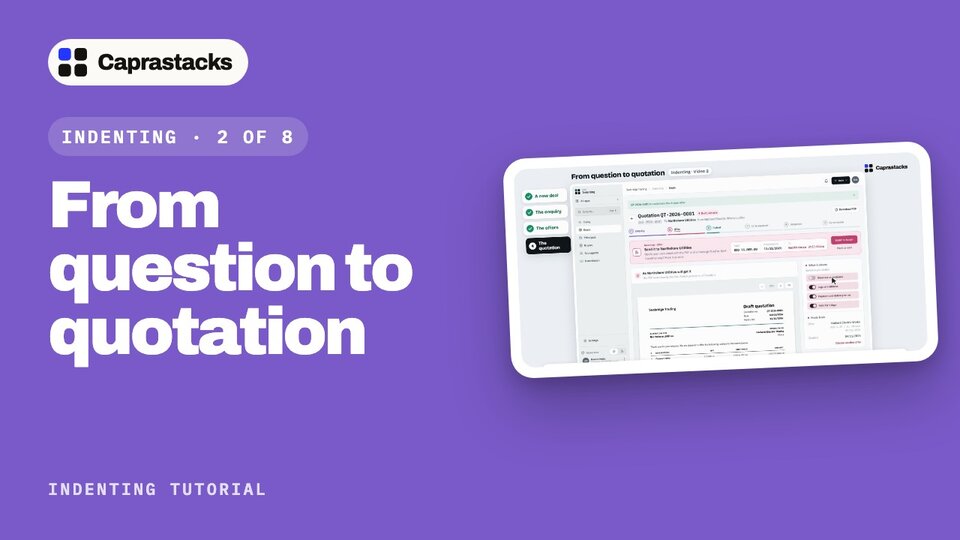
The quotation (2:08) Below the offers, click "Make quotation". This is exactly what Northshore will get. Switch parts on or off: your commission, your logo and address, the terms, and how long it holds: seven days. Your commission starts off. Click "Send to buyer". Download the PDF, open your own email, and attach it. Caprastacks doesn't send it for you. Then click "I sent it, mark as sent". If the buyer asks again later, click "See offers", then "Make a new one". Sent it another way? Click "Mark as sent", and pick the day it went. Your quotation is out. Next time, Northshore says yes, and you write the indent.